Hosting
How to Plan an Office Potluck
A workplace potluck that's inclusive, low-stress, and doesn't live in a 40-message reply-all thread.
Every office potluck starts the same way: a hopeful email to the whole floor that says "bring a dish to share!" and ends, forty replies later, with six desserts, no plates, and a vague sense that Greg in Accounting is bringing "something."
It doesn't have to go like that. A good office potluck is one of the easiest, warmest things a workplace does — and it mostly comes down to a little structure and a lot of inclusivity. Here's how.
The short version
To plan an office potluck: pick the occasion and a date, get a rough headcount, assign food by category so it stays balanced, make dietary needs the default rather than an afterthought, and run the sign-up on a shared link instead of a reply-all email. Keep portions light — it's a desk lunch, not Thanksgiving — and remember the unglamorous stuff: plates, utensils, and someone on cleanup.
1. Pick the occasion and keep it light
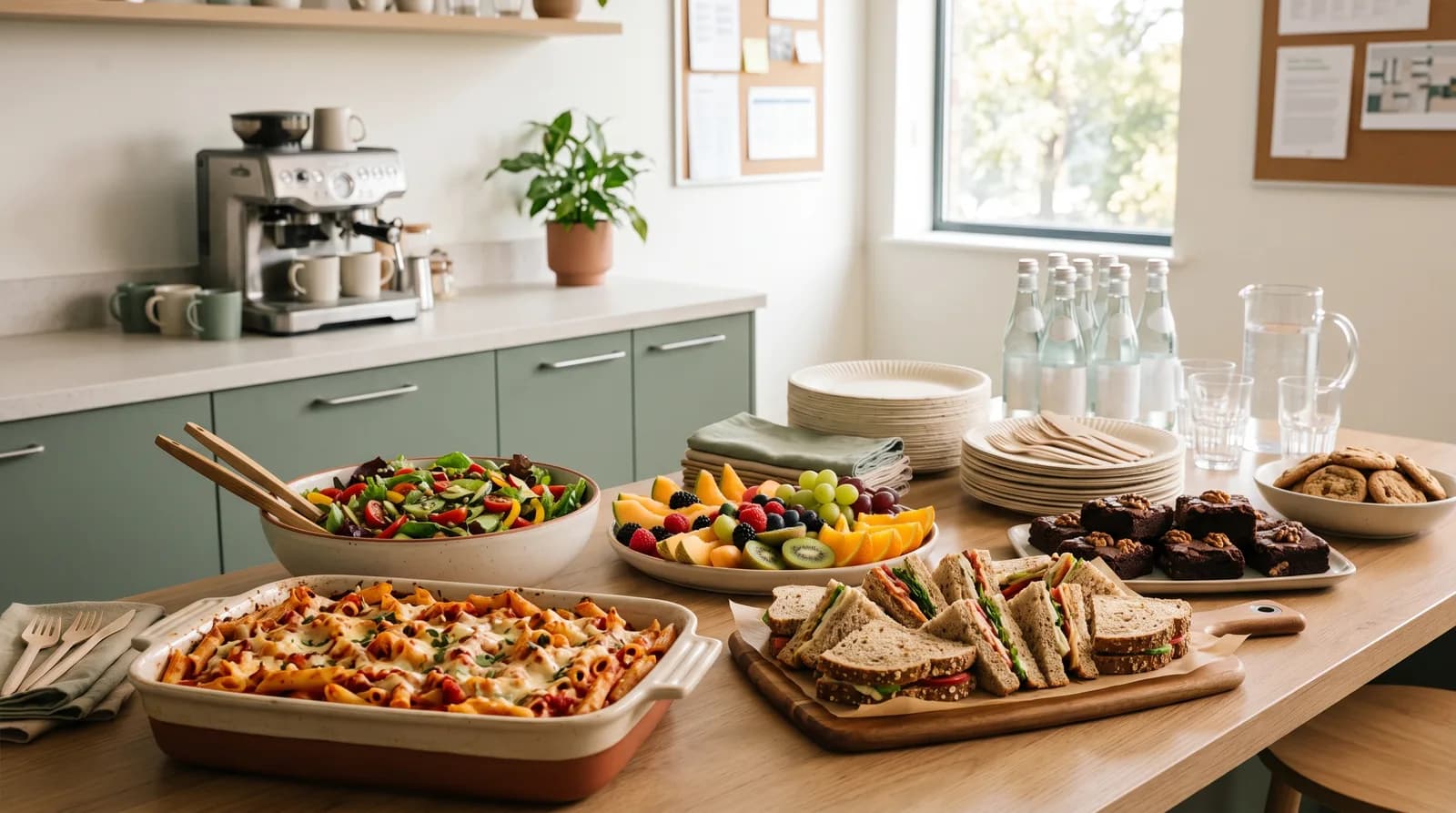
Holiday party, a new-hire welcome, a project wrapping, or just a Friday — any of them work. Whatever the reason, plan lighter than a dinner party: people are eating at their desks or standing in a break room, so one dish per 6 to 8 people is plenty. Finger foods and things that don't need reheating beat fussy plated dishes.
2. Assign by category, not "bring whatever"
Left open, an office potluck skews hard toward sweets and chips. Give people a small set of buckets to claim from — mains, sides and salads, snacks, desserts, drinks, and supplies — and the table balances itself. Our office potluck template lays the categories out with workable ideas for each. (More on why categories beat open-ended asks here.)
3. Make dietary inclusion the default
This matters more at work than almost anywhere, because your coworkers span every diet, allergy, and religious or personal restriction — and not everyone wants to announce theirs. So build inclusion in instead of leaving it to chance:
- Make sure the sign-up has a clearly vegetarian main, a vegan option, and something gluten-free.
- Ask everyone to label what they bring and list major allergens.
- Skip the assumption that everyone eats pork, or drinks, or can have nuts.
It's a small effort that decides whether a few colleagues get a real lunch or a sad plate of side salad. (If allergies are a big factor, this guide goes deeper.)
4. Run the sign-up somewhere other than email
The reply-all thread is where office potlucks go to die. Nobody can tell what's claimed, the host becomes the human spreadsheet, and three separate people commit to brownies. Put the sign-up on a shared link everyone can see and update — ideally one that needs no account or app, so the whole office can claim a slot in two taps without setting up yet another login.
5. Don't forget the boring half
Someone has to bring the plates. Office kitchens are notoriously short on forks, serving spoons, and napkins for thirty. Put plates, cups, utensils, and cleanup in their own sign-up slots, right next to the food, so it isn't the same kind soul restocking the break room every quarter.
Common office-potluck pitfalls
- Six desserts, no mains. Assign by category.
- The reply-all thread. Use a shared sign-up link instead.
- Dietary exclusion. Bake in vegetarian, vegan, and gluten-free; label allergens.
- No plates or forks. They count as sign-up slots too.
- The same person always cleans up. Make cleanup a claimable task, not an assumption.
Why it's worth the small effort
An office potluck is a rare thing: a reason for people who only ever talk over Slack to stand around a table together for half an hour and just... eat. The coordination isn't the point. It's what keeps the day from collapsing into all-dessert chaos so the actual point — a floor full of coworkers sharing a meal — gets to happen.
Ready to set one up? Start from the office potluck template or open a sign-up — guests claim a dish from one link, no account needed. Not sure on amounts? The potluck calculator scales it to your headcount.